
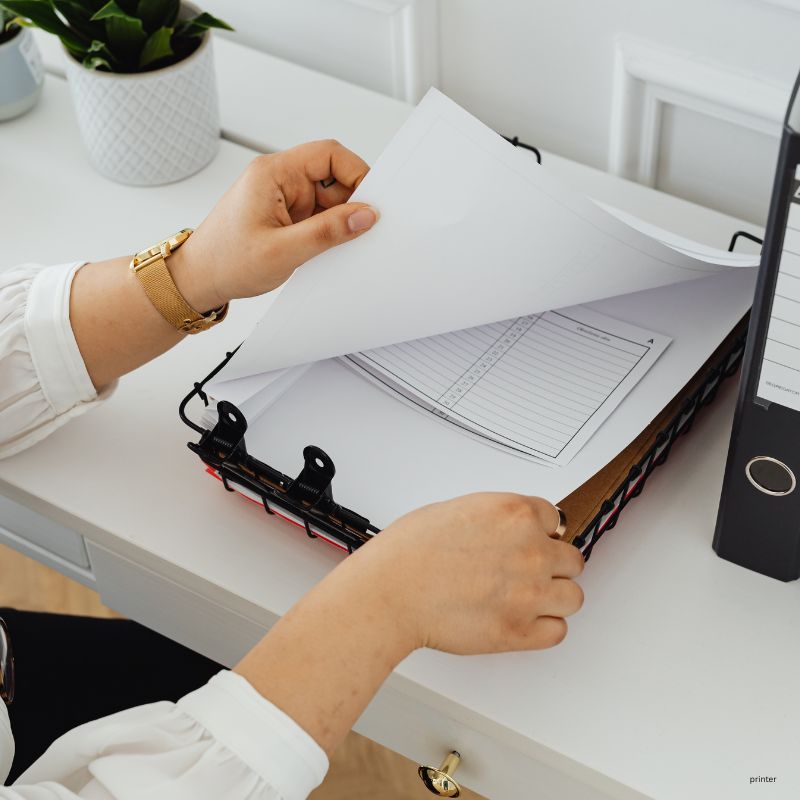
You’re just a minute away from an important client conference meeting, the contract is ready on your screen, and you hit “Ctrl + P” or “Print”—but nothing happens.
The printer stays quiet. “Awkward silence…😶”
This is the time when you need quick & licensed printer repair professionals in Dubai to fix the issue in no time.
No matter if it’s an office deadline or a school assignment, printers mostly stop working at the worst possible moment. If you are in Dubai (where work moves fast like a bullet train 🚉), a simple or slow printer can delay your work every time. Just like printers, laptops can also create unexpected work delays, which is why many businesses also rely on professional laptop repair Dubai services for fast technical support.
In this blog, we’ll delve into the core problems printers experience, how you can solve some of them, & when you need to call certified professionals immediately.
Let’s get started…
Common + Shocking Reasons Why Your Printer Stops Printing
— Paper Jams Blocking the Rollers
Mostly, paper jams are the biggest reasons why printers stop working—especially at the worst moment. Even a tiny scrap stuck inside the rollers can freeze the entire printing cycle. Your printer may show a false “ready” signal, but it won’t move until the path is fully clear.
How to fix it:
- Pull out the jammed paper slowly without tearing it
- Check the roller area for tiny hidden scraps
- Reload the dry paper and align the sheets properly
— Low Ink or Toner Not Detected
May the printer stop printing? Even if you can clearly see ink inside. This situation happens only when the printer sensor fails to detect the cartridge. HP, Epson, Canon, or other brand users often face this issue. This small detection error can completely block printing tasks.
How to fix it:
- Remove and reinsert the cartridge securely
- Gently clean the sensor area around the cartridge
- Run the built-in ink or toner reset option
— Driver or Software Errors
The printer will not print if the drivers are out of date or corrupted. Everything appears to be working properly, but the printer is not responding to your commands. Many users search for printer repair services in Dubai just because the driver sync is broken.
How to fix it:
- Install the latest driver—the exact model
- Restart both your printer and your computer
- Reconnect the printer from settings
— Dirty Print Heads or Nozzles
Dried inks or long gaps without printing can clog your print heads. In this case, your printer ink flow becomes completely blocked. And because of this, you may get faded printed lines or broken text.
How to fix it:
- Run the printer’s nozzle cleaning cycle
- Use authentic cartridges
- Print a test page to check ink flow
— Firmware Conflicts After Updates
A software update can sometimes create problems. Even if everything looks normal, the printer suddenly stops working. This issue affects HP, Epson, Samsung, and Canon printers equally. It usually happens after automatic updates or when you skip previous firmware patches. Many users request HP printer repair Dubai support only to discover it was a firmware clash.
How to fix it:
- Restart your printer and computer
- Reinstall the printer driver
- Roll back the firmware
— Blocked Print Queue Freezing New Jobs
A blocked print queue is one of the most frustrating hidden reasons. Old stuck jobs freeze the system, and your new printing tasks just sit there doing nothing. This is especially common in shared office environments across Dubai. Even home users face this issue when multiple devices send print commands at the same time.
How to fix it:
- Open the print queue and clear all pending jobs
- Restart your printer and device to refresh the link
- Disconnect and reconnect the WiFi or USB connection
— Weak WiFi or Faulty USB Cable
Your printer may stop printing simply because it loses communication with your device. A loose USB cable or unstable WiFi connection interrupts the print signal. This issue is very common with older routers or printers placed far from the network source. Before searching “printer repair near me,” it’s worth checking your connection first.
How to fix it:
- Replace the USB cable
- Move your printer closer to your WiFi router
- Reconnect to the WiFi network
— Overheating Due to Long Print Runs
Printers in Dubai often overheat because of long-term printer use. The printer automatically stops printing when internal components become too hot. This creates sudden delays, even if the machine worked perfectly minutes earlier. Overheating also happens when vents are blocked or not cleaned for months.
How to fix it:
- Switch off the printer for 10–15 minutes
- Clean the side and back vents
- Split heavy print jobs into small batches
When You Must Call Printer Repair Dubai Experts Immediately
Some small printer issues are easy to fix, but the reasons mentioned above often grow faster if you ignore them. When these problems return, you need professional help, not more trial and error. Call printer repair services in Dubai at +971562205278 when:
- The same error comes back after basic fixes
- You hear grinding or clicking or smell burning
- Pages come out blank, faded, or half-printed
- Your device refuses to connect
- The printer overheats or shuts down suddenly
- Your HP, Epson, Canon, Samsung, Brother, Brady, or Anon printer stops detecting ink or toner.
The professional printer repair Dubai team can quickly detect and repair hidden faults. Connect with a trusted printer repair near me and protect your printer from further damage.
Wrap Up: Expert Printer Repair Dubai
If your printer slows down your work or repeats any of the issues above, don’t wait for a bigger breakdown. Immediately call experts now at +971562205278 to get a fast diagnosis & genuine parts.